Images are the most efficient means to showcase a product or service on a website. They make up for most of the visual content on our website. But, the more images a webpage has, the more bandwidth it consumes, affecting the page load speed – a raging factor having a significant impact on not just […]
Let’s build a small site in Node.js using Express that will have one protected page
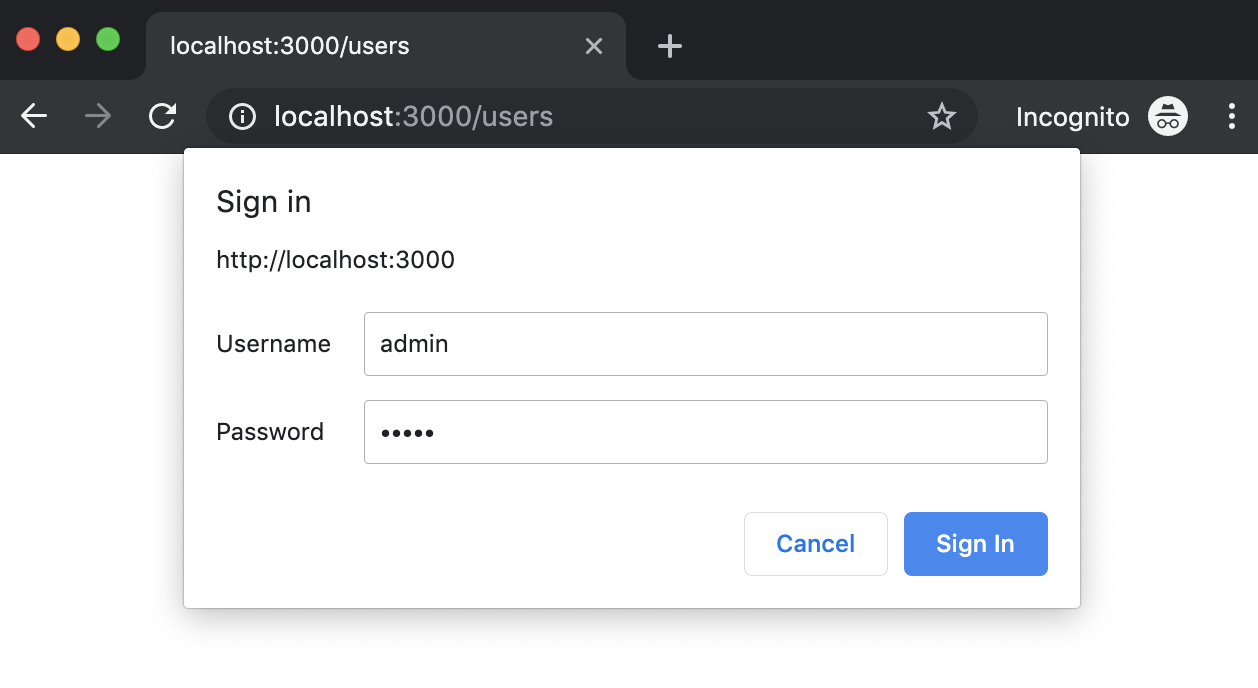
Http auth basic prompt dialog
We are going to use express generator to generate some scaffolding. If you didn’t install it just type this command to install it globally but if you already know all this stuff you might skip it and go direct to The Magic section
npm install express-generator -g
Generate a site with default options:
express auth-basic
The output of that command will show you the generated files
var express = require('express');
var router = express.Router();

const basicAuth = require("express-basic-auth");

const authOptions = {
  challenge: true, //it will cause most browsers to show a popup to enter credentials on unauthorized responses,
  users: {"admin": "admin"},//typically you will get  this info from environment variables or any other source
  authorizeAsync: false,
  unauthorizedResponse: getUnauthorizedResponse,
};

/**
 *
 * @param req
 * @returns {string} the text to be displayed when users hit on cancel prompt button
 */
function getUnauthorizedResponse(req) {
  return "Unauthorized";
}

/**
 *  GET users listing.
 */
router.get('/', basicAuth(authOptions), function(req, res, next) {
  res.send('Users listing area');
});

module.exports = router;
You should see a prompt that asks you for credentials. Try click on cancel button and then refresh the page to introduce the credentials you wrote in the code.


 javaniceday.com